
Color palettes in context
See warm, cool, neutral, or high-contrast colors across the whole room instead of judging isolated paint swatches.
Free AI interior design, made visual
Upload one room photo and see how interior design AI can reimagine its color, furniture, materials, and mood before you rearrange, renovate, or buy.
One photo · Multiple styles · Before-and-after clarity
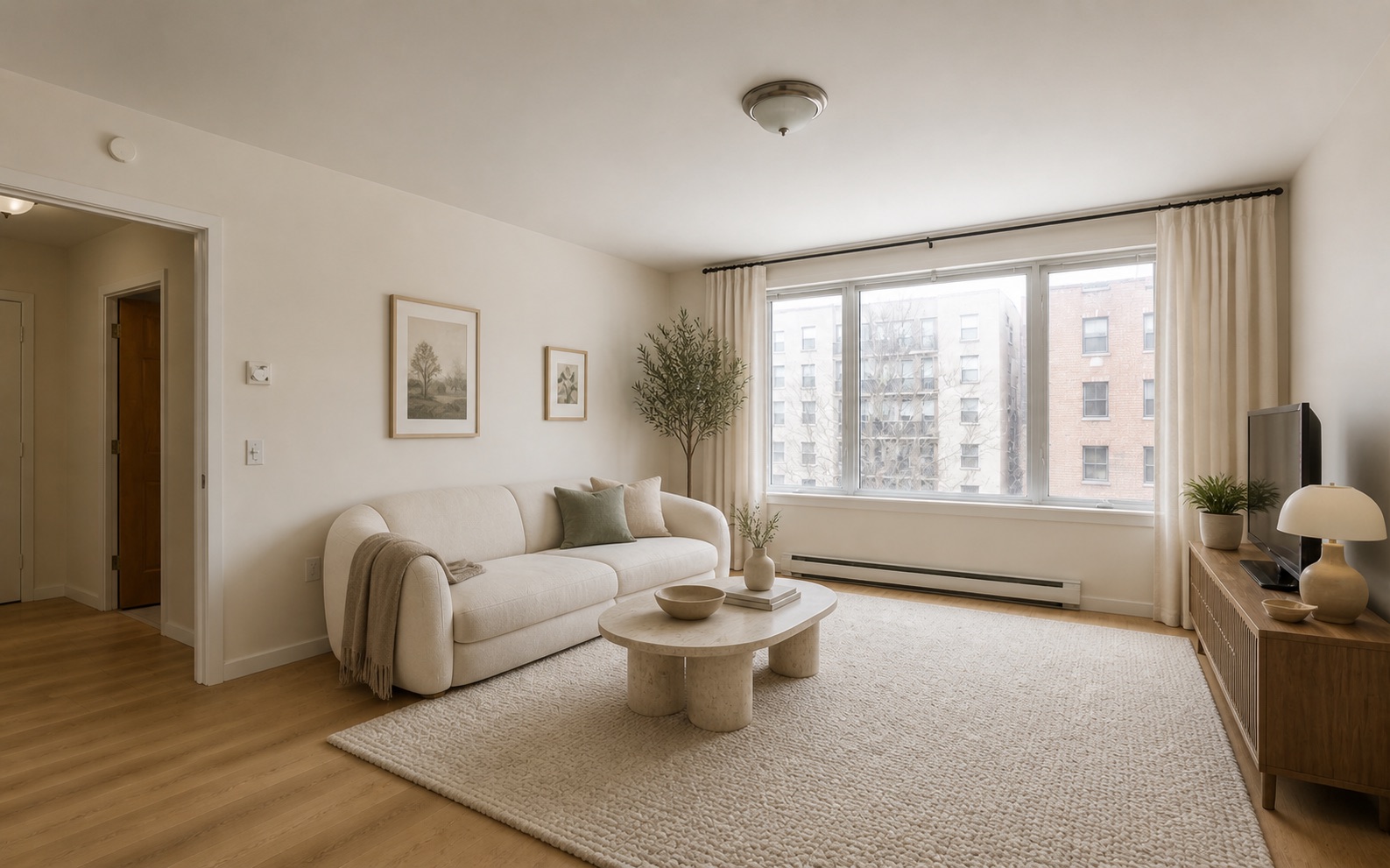
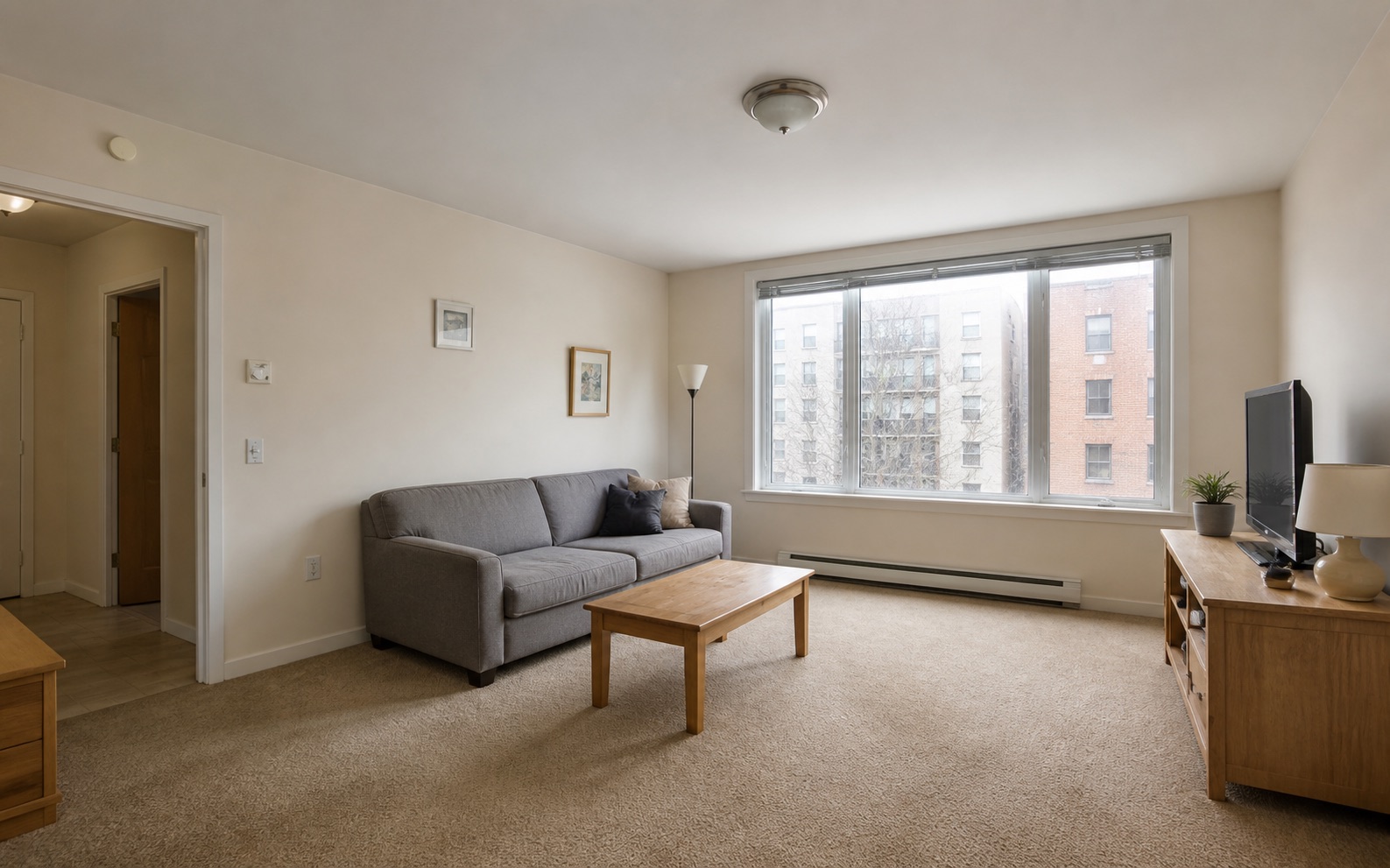
One room, four directions
A useful comparison keeps the room and camera fixed. Only the materials, furniture, color, and mood change, so every idea is easy to judge side by side.
Soft curves, warm oak, tactile stone, and calm natural layers.
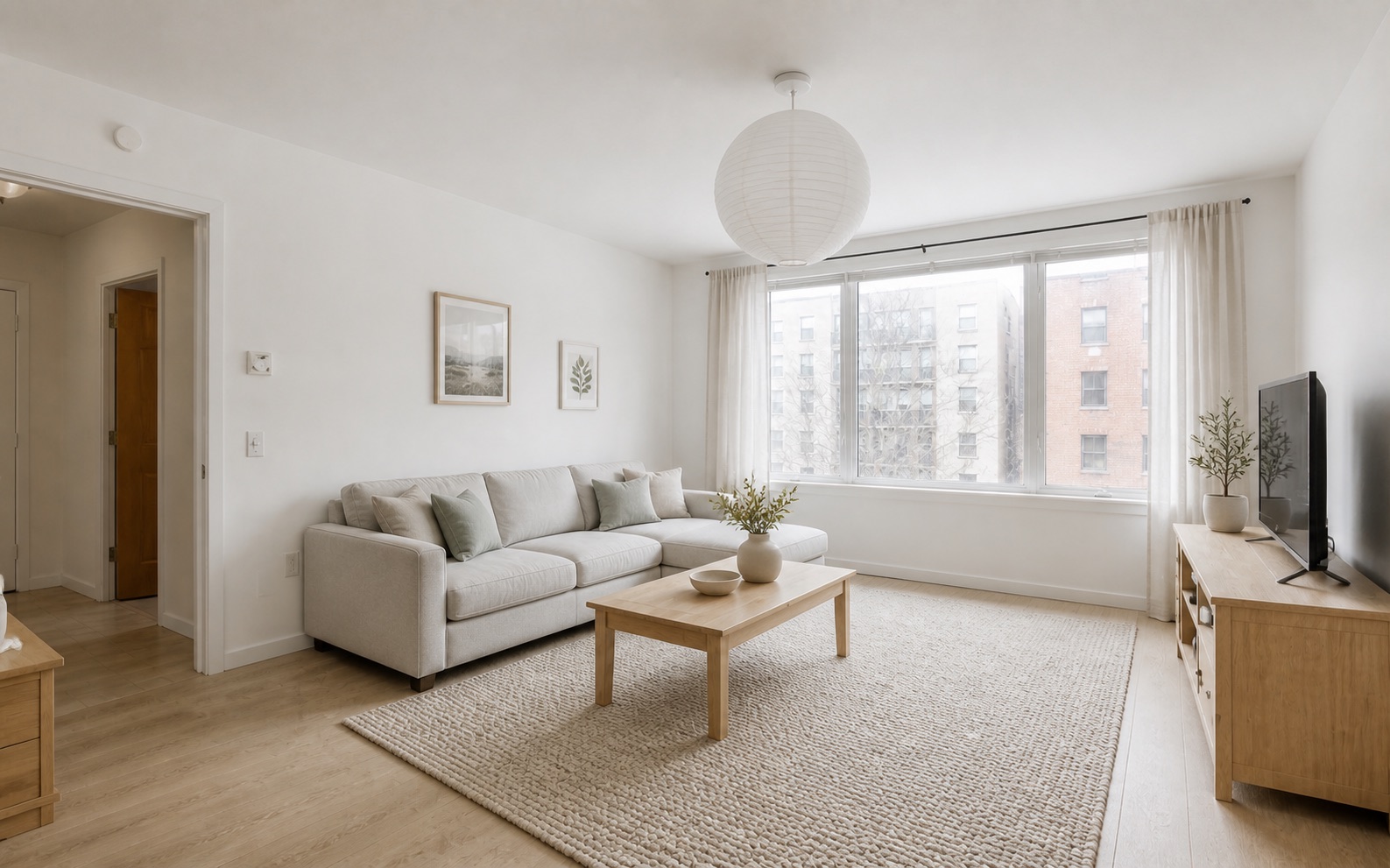
Pale wood, bright neutrals, simple forms, and quiet everyday comfort.
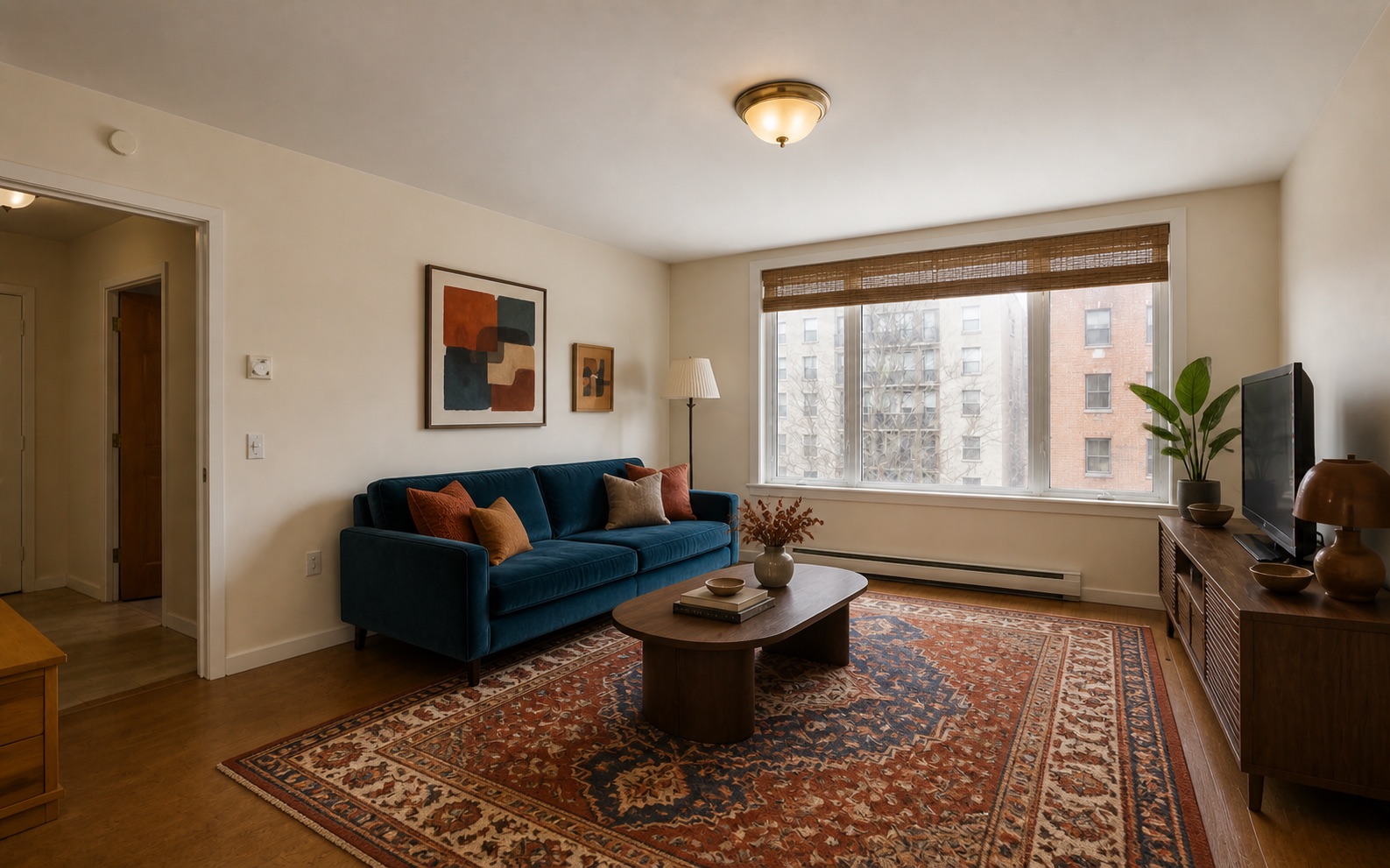
Deep color, collected art, vintage texture, and expressive contrast.
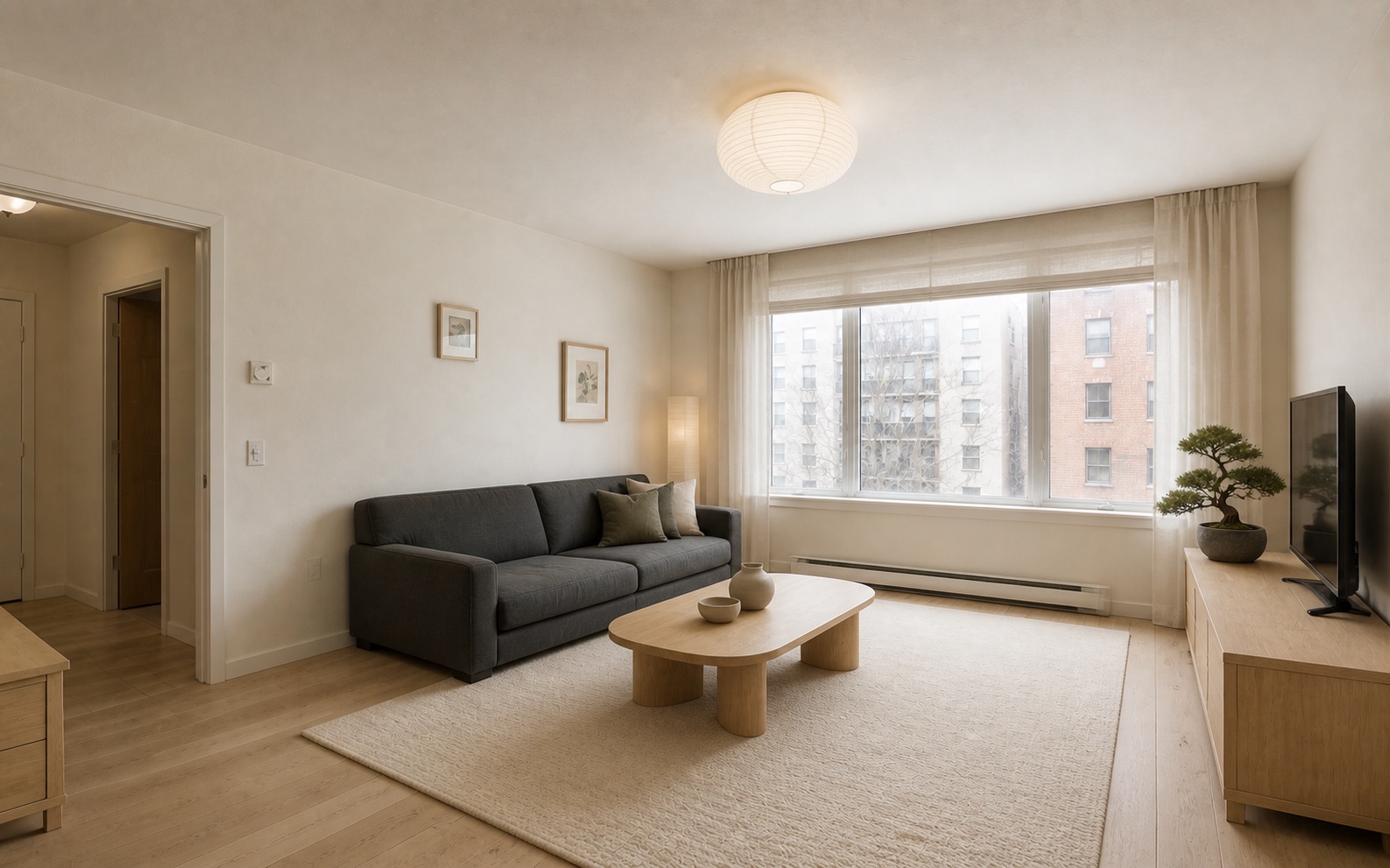
Low profiles, honest materials, warm restraint, and visual calm.
A simple visual workflow
Move from an existing room to a clear design direction in three focused steps—without needing floor-plan software or rendering experience.
Start with a clear, well-lit image that shows the walls, windows, floor, and main furniture.
Explore modern organic, Scandinavian, eclectic, Japandi, and other directions that fit your taste.
Review before-and-after concepts, compare options, and choose a direction to develop further.
More than a style filter
A useful AI room concept does more than apply a visual preset. It gives you a concrete way to compare the design decisions that shape how a room looks and feels.
Use each result as an early design conversation, not a final specification. Keep the room recognizable, compare one direction at a time, and note which choices are worth validating in the real space.
See warm, cool, neutral, or high-contrast colors across the whole room instead of judging isolated paint swatches.
Compare lighter or more substantial furniture silhouettes and understand how they change the balance of the existing space.
Explore wood tones, textiles, stone, metals, flooring, and window treatments as one coordinated interior direction.
Turn visual preferences into specific language you can share with family, a designer, or a contractor before detailed planning begins.
Ideas beyond the living room
Use interior design AI to explore coherent ideas for bedrooms, kitchens, dining rooms, home offices, and more.
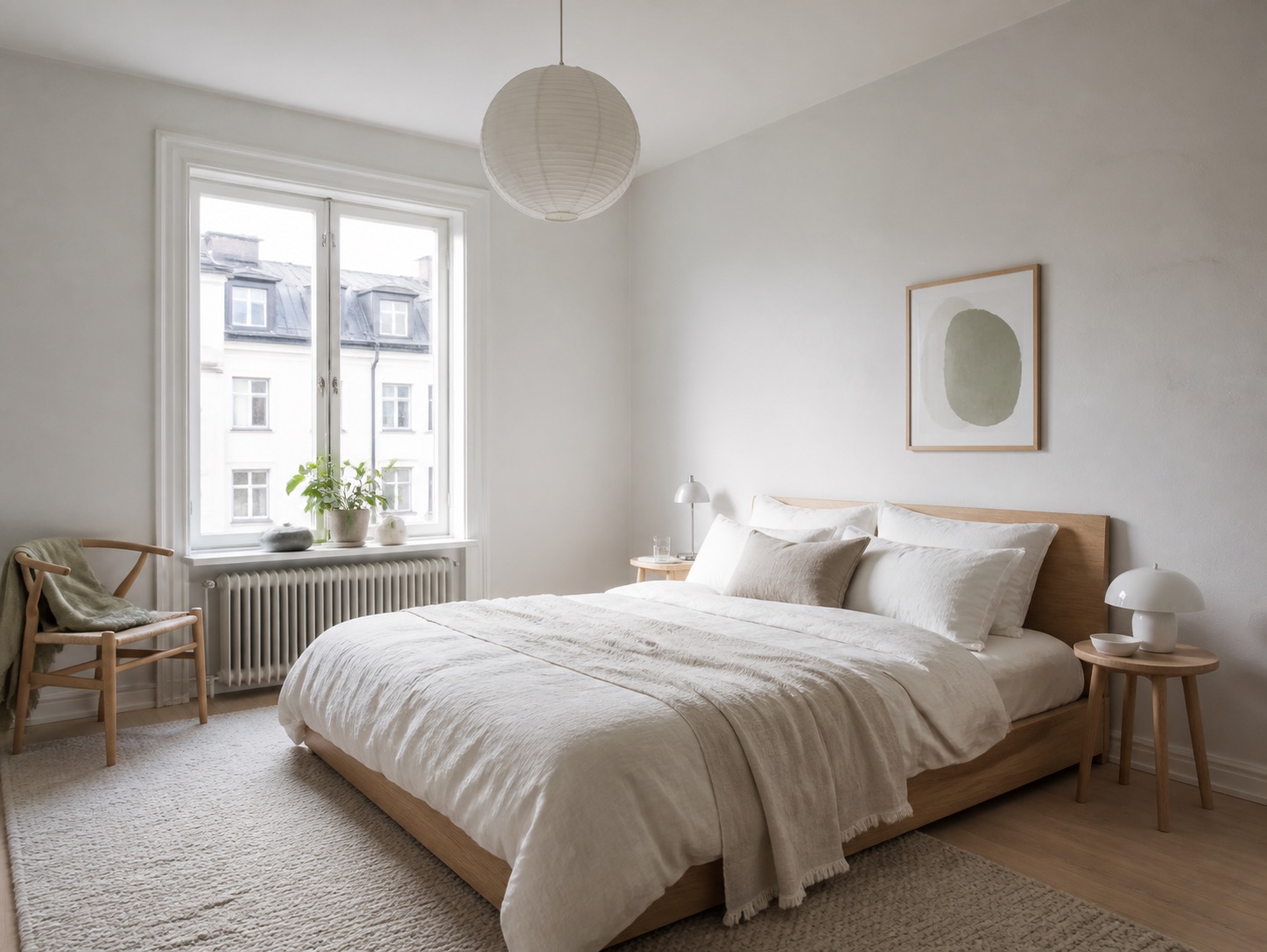
A softer bedroom built from daylight, linen, pale oak, and restful proportions.
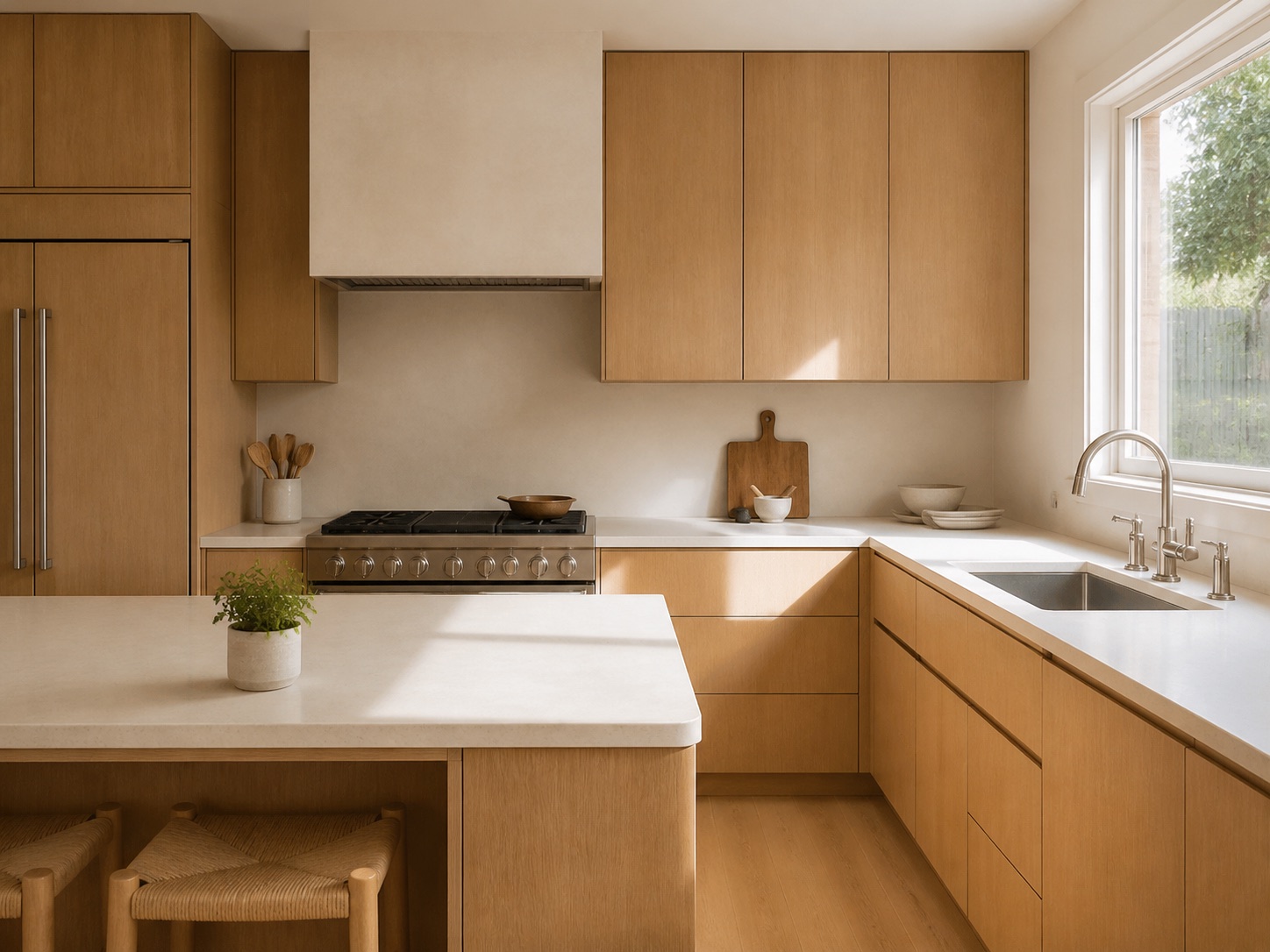
Practical cabinetry and durable finishes balanced with natural warmth.
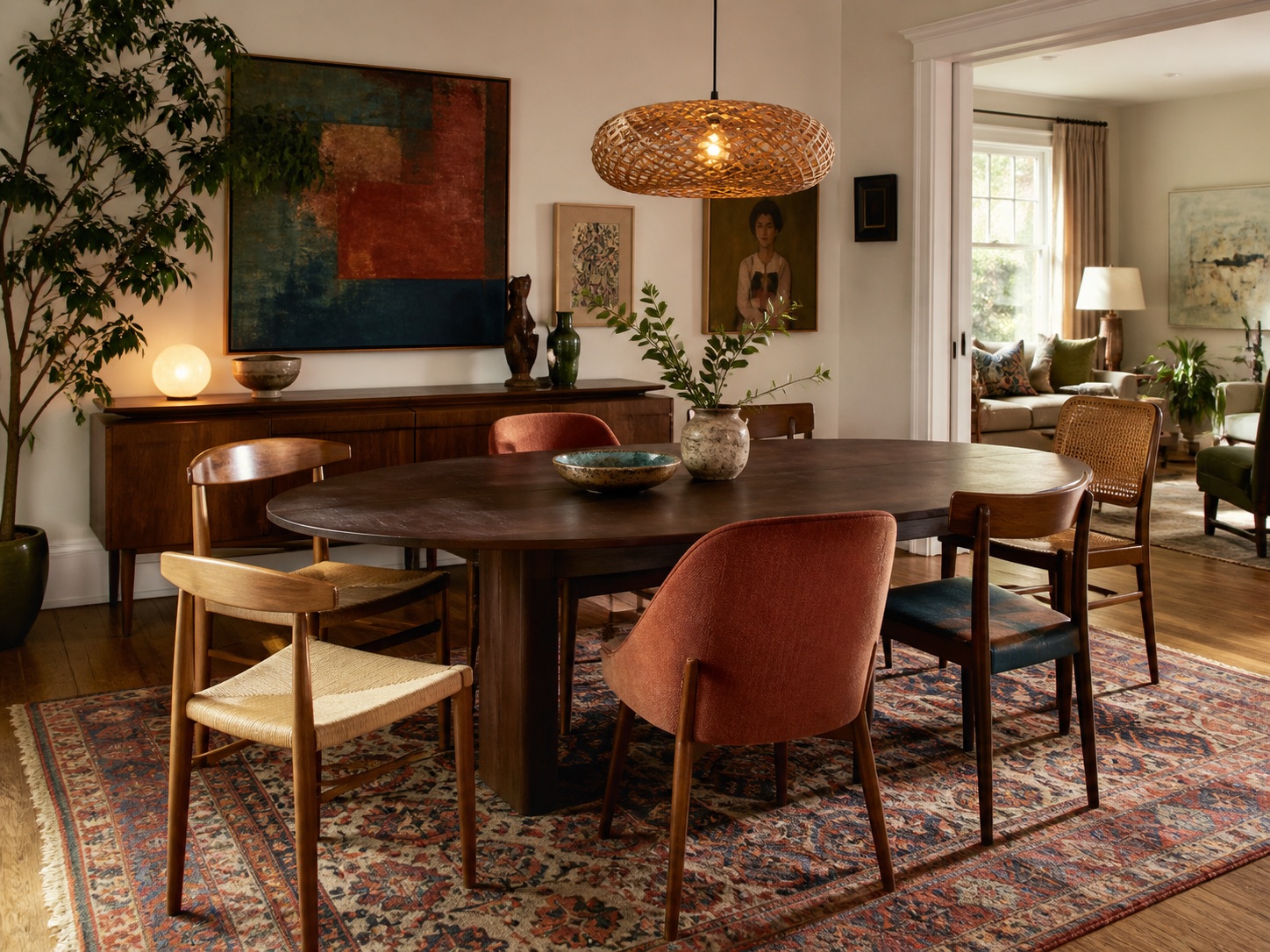
Collected furniture, layered color, and a setting that feels personal rather than staged.
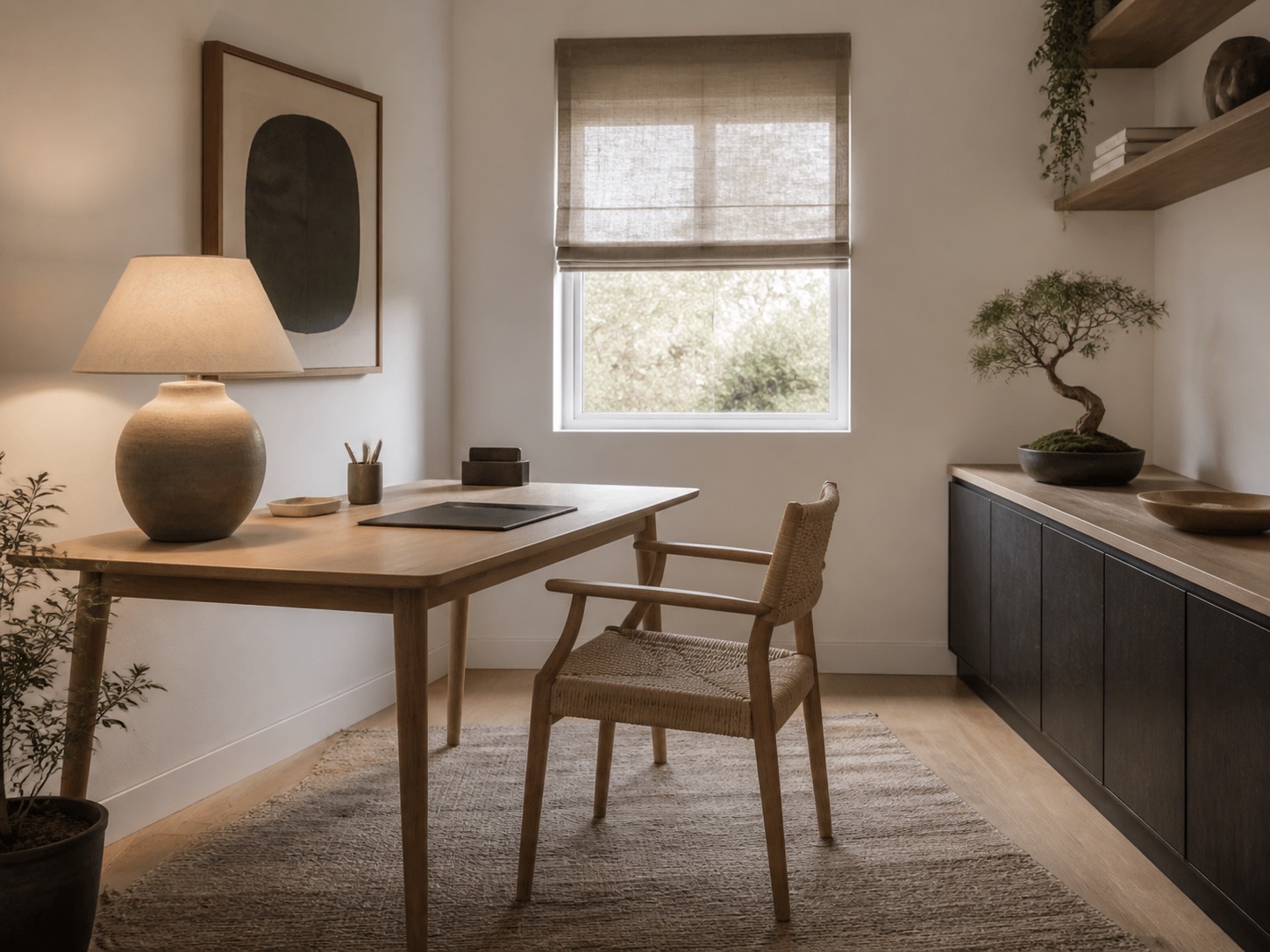
A focused workspace with natural texture, simple storage, and a calmer visual rhythm.
Illustrative five-star feedback
Three representative perspectives show how side-by-side AI interior design ideas can make an early room decision easier to discuss.
Seeing the same room in several directions would help me agree on a renovation mood before ordering furniture.
 Homeowner perspectivePlanning a living-room refresh
A visual comparison would make it much easier to choose reversible updates that still feel coordinated.
 Renter perspectiveExploring a flexible home-office update
Multiple realistic directions can turn a vague style conversation into a much more useful client brief.
 Designer perspectiveShaping an early design brief
Illustrative feedback based on common room-planning scenarios. The portraits are AI-generated and the quotes are not verified customer reviews.
Useful at different project stages
The same visual comparison can support quick inspiration or a more structured design conversation, depending on where you are in the project.
Compare renovation directions before committing to a palette, major furniture, or finish samples.
Explore reversible changes such as textiles, lighting, art, rugs, and furniture without altering the room itself.
Use fast visual options to clarify a client brief, discuss taste, and identify the strongest direction for refinement.
Visualize how an empty, dated, or neutral room could appeal to a target audience before staging decisions are made.
Design with more confidence
Turn an abstract style name into a room you can actually react to and discuss.
Keep the same room fixed while testing different palettes, materials, and moods.
Narrow the direction before committing time and budget to furniture or renovation work.
Questions answered
AI interior design uses a room photo and a style direction to visualize alternative furniture, finishes, colors, and decor while keeping the existing space recognizable.
Carry the feel of your rooms through to the facade with an AI exterior home design tool. Start with a photo of the outside of your house.
Your room, more possibilities
Explore realistic room directions, compare styles side by side, and move toward a design decision with more clarity.